Make your range easier to explore.
Keep products, categories and specifications together, with imagery and details that help explain the choices.
TECHABANCA CATALOGUE / EARLY ACCESS
Make what you do easy to explore. Bring products, services, website content and customer enquiries into a workspace shaped around your business.
Early access · Workspace setup is available.
Explore the live Example Industries example.
Wider public activation is being finalized.
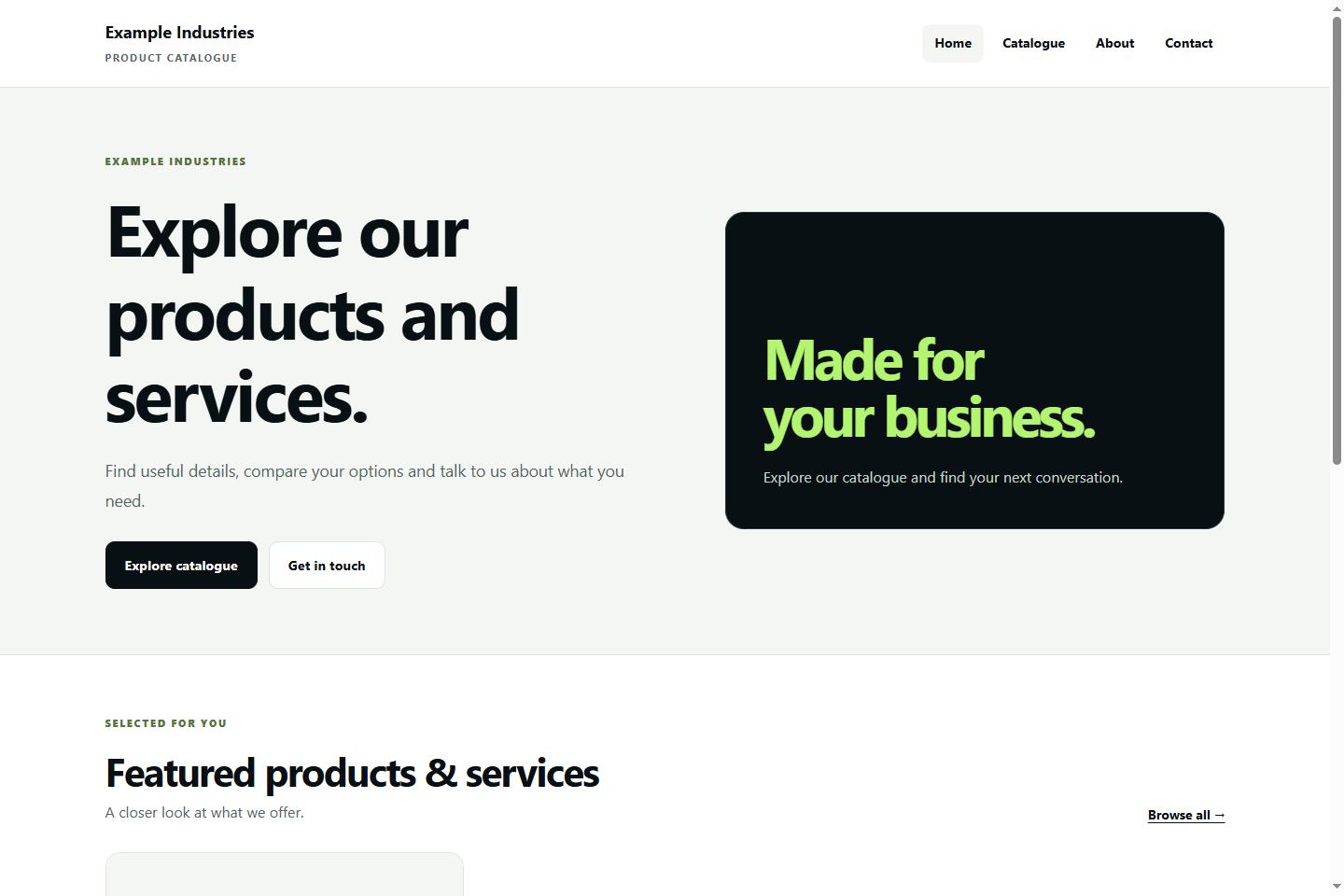
Follow Example Industries from its production workspace to its published website. These are the same account and live website captures used by Techabanca Catalogue.
Products, services, or both. Search your items, filter by category or status, and keep the next update within reach.
Example Industries · LED TV catalogue item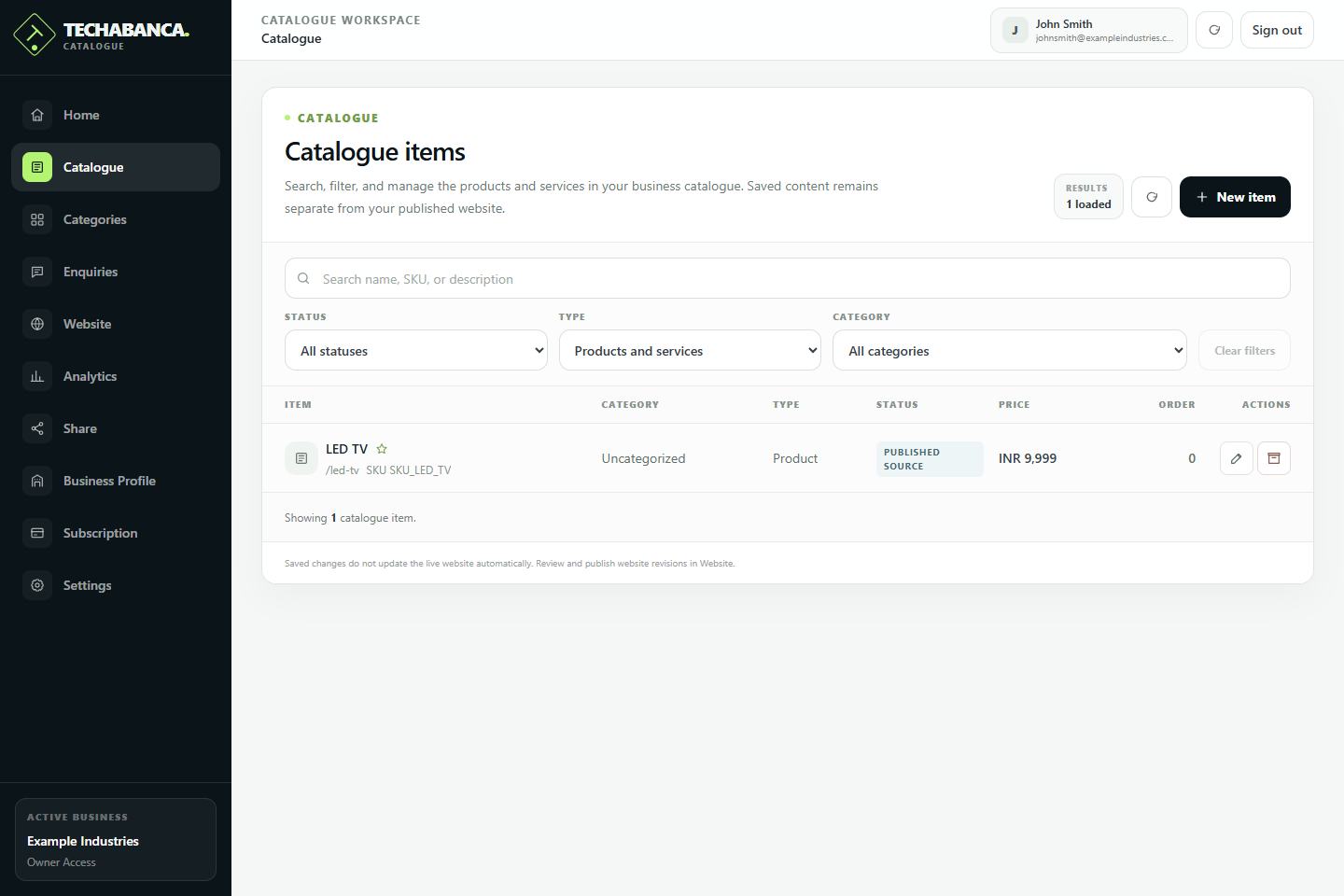
Start with the way your business works, then shape the catalogue around what customers need to understand.
Keep products, categories and specifications together, with imagery and details that help explain the choices.
Describe your services, deliverables and business-specific details so people can understand what you offer.
Bring materials, craft, custom work and visual context into a consistent catalogue you can continue to refine.
Maintain the content behind your offer, with room for the website and next customer conversation.
One place for physical products, professional services, or a business that offers both. Categories keep the range easy to navigate.
Go beyond an item name. Maintain descriptions, SKUs, optional prices, and custom specifications that explain your offer.
Keep product galleries, supported item documents and business images close to the content they help explain.
Maintain website content and prepare private previews. Saved content and published revisions stay separate; public activation is being finalized.
Use the dedicated enquiry workspace to review conversations, track New, Contacted and Closed statuses, and keep team notes.
Maintain your business profile and contacts. Explore catalogue activity and sharing tools when your public website is active.
03 / FROM CONTENT TO CONVERSATION
A guided start and a considered publishing workflow help you shape your catalogue at your own pace.
Create your workspaceChoose products, services, or both. Add your business identity and the information people need to know.
Create categories and items, add imagery and details, and refine the content that makes your offer useful.
Prepare a private preview and review the revision you intend to publish. Public activation is a separate step and is being finalized for launch.
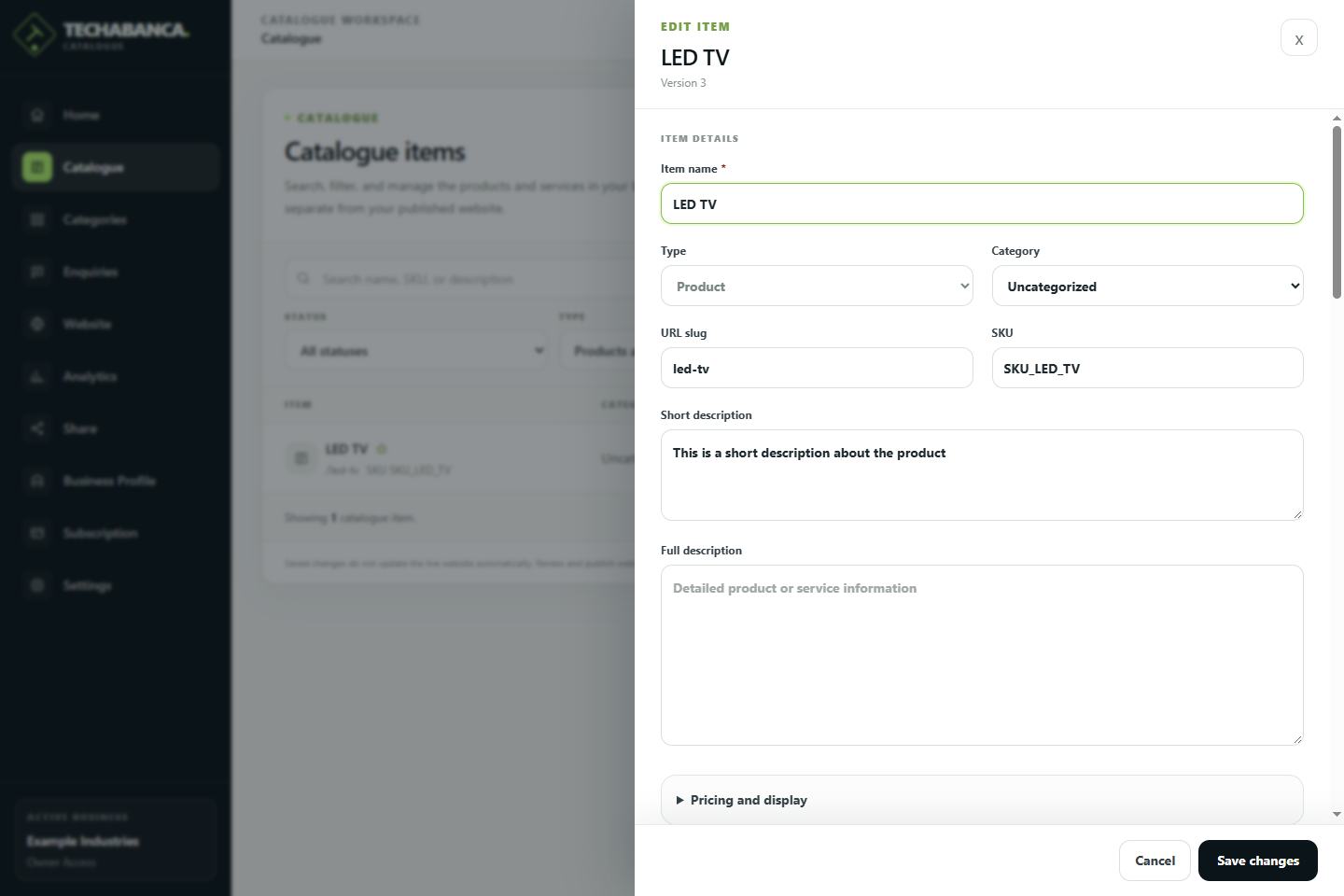
DETAILS THAT DO THE TALKING
A name gets attention. Good context helps someone understand. Keep descriptions, specifications, categories and optional prices in one place.
YOUR BUSINESS, WITH YOU
Review your catalogue at the desk or pick up where you left off on your phone. The responsive workspace adapts to the browser you already use.
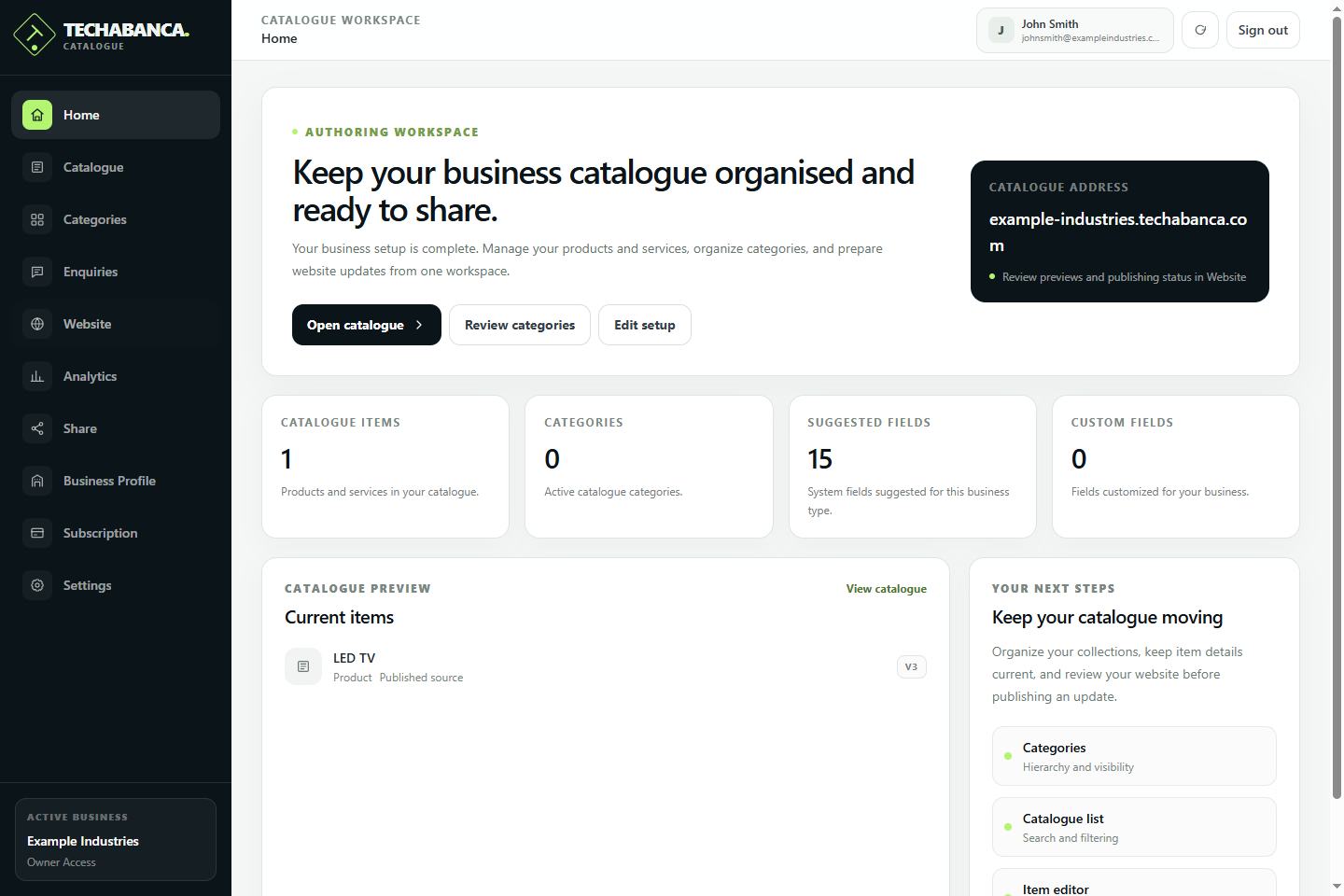
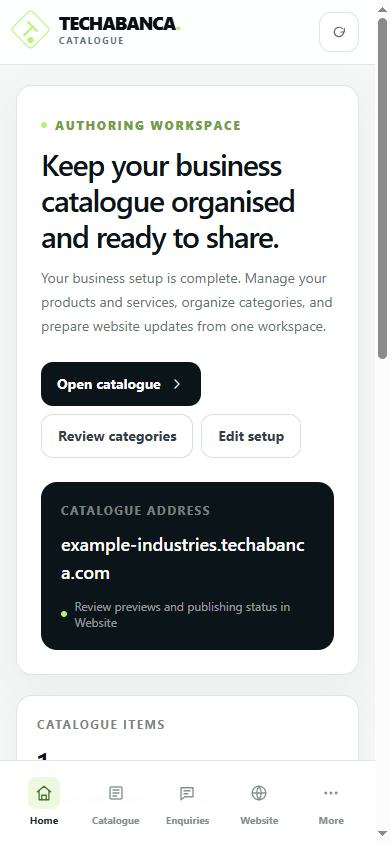
Catalogue is in early access. Workspace setup, subscription access and public website activation are separate steps.
₹0 to create your workspace
Set up your business and organize your catalogue content. No payment method is required for account creation.
Create your workspaceTo be announced
Paid plans and checkout are not available yet. Public website activation is being finalized; account creation does not publish a website.
See current pricing & availabilityEligible owners and admins can explicitly start the trial from Subscription. No card is required and there is no automatic paid renewal. Signup itself does not start the trial.
A LITTLE CLARITY
The product, the next step, and how it fits your business.
A separate web application for organizing your products and services, preparing a catalogue website, and managing customer enquiries. It brings business information, item content and website controls into one workspace.
Yes. Choose products, services, or both during business setup. Organize the items into categories and add fields that fit your business.
No. Catalogue includes a managed professional theme and guided setup. You prepare business information, imagery and content, then use the preview and publication workflow subject to its availability.
Account creation and workspace setup are available, and the published Example Industries pilot can be explored on this page. Wider public website activation is being finalized. Creating an account does not publish a website, start a trial, or activate a paid subscription.
Creating your workspace requires no payment method. Eligible owners and admins can explicitly start the optional 14-day trial from Subscription, with no card or automatic paid renewal. Paid plans and their prices are not available yet; check the application’s Pricing area for current availability.
Yes. Catalogue adapts to desktop and mobile browsers. Use the same Catalogue account and workspace; there is no separate app to install.
Billing focuses on sales documents, purchases, expenses and business reports. Catalogue focuses on presenting your offer and managing its content. Each application has its own workspace; automatic synchronization of records between the two is not currently offered.
YOUR OFFER DESERVES A BETTER HOME.
Explore the product and current early-access availability.